Why a digital menu is an allergen-safety workflow, not just a design project
A restaurant menu is often treated as a visual asset: photographs, dish descriptions, prices and a booking button. For a customer with a food allergy, it is also a safety-critical information interface. The information needs to be accurate, discoverable before ordering, intelligible on a small screen and consistent with what kitchen staff actually prepare. A beautiful PDF that cannot be searched or updated reliably can be a poor substitute for a maintained source of truth. This guide is for UK restaurant operators, café owners, takeaway teams and hospitality website managers designing online menus, QR-code menus or direct ordering journeys. It focuses on digital implementation rather than attempting to replace food-safety training or specialist legal advice. The priority is to connect the website, menu data, kitchen processes and staff conversations.
What UK rules and FSA guidance actually say
UK food businesses must provide accurate information about the 14 regulated allergens where relevant. The requirements depend on whether food is non-prepacked, prepacked for direct sale, or sold at a distance. For takeaway and other distance sales, allergen information must be available before purchase and again at delivery. The Food Standards Agency’s March 2025 best-practice guidance encourages written information for non-prepacked food alongside a conversation with customers, rather than treating a digital label as a replacement for dialogue. Its detailed distance-selling guidance recommends information on the main online menu or ideally no more than one click away. That one-click suggestion is best practice, not a universal statutory layout rule. Scotland has its own guidance and enforcement arrangements; check the applicable regulator before assuming one jurisdiction’s materials cover every location. Start with GOV.UK’s customer-facing allergen explanation and the FSA’s updated industry guidance.
Build a single controlled ingredient and allergen record
The safest digital publishing model starts upstream of the website. Maintain a controlled recipe record for each dish, including recipe version, ingredient supplier, ingredient substitutions, garnishes, sauces, sides and the 14 allergen categories. Assign a named owner for approval. A chef may change a dressing without realising that an old online menu still shows the previous allergen matrix. Therefore a website editor should not independently guess allergen values from a dish name or photographs. Create a change request whenever a supplier, recipe, preparation method or cross-contact control changes. Have an authorised kitchen lead review the revised record before the digital menu is republished. Preserve a timestamp and approval trail. A menu-management platform can make this easier, but a carefully governed spreadsheet and CMS can work for a small venue if responsibilities are explicit.
Design dish cards that people can understand quickly
Every dish card should show its current name, description, price, relevant allergen information and an obvious way to ask staff about allergies. Use meaningful text, not icons alone: an unlabeled peanut pictogram may be missed by screen readers or misunderstood by customers. If the full allergen matrix sits on a separate page, link it with descriptive text such as “View allergens for this dish”, not “click here”. Avoid hiding critical details behind a hover state that fails on touch devices. Distinguish ingredients known to contain a regulated allergen from possible cross-contact information; those statements mean different things. Never use an unqualified “allergy safe” badge. Display clear preparation caveats where relevant, and make it easy for a customer to speak to a trained member of staff before placing an order.
Avoid misleading dietary filters and free-from claims
Filters labelled vegan, vegetarian, dairy-free or gluten-free are useful for discovery, but they do not all carry the same meaning as a confirmed allergen assessment. Vegan does not automatically mean milk-allergen-free because cross-contact may occur. A “gluten-free” claim has specific requirements and should not be inferred from the absence of wheat in a recipe description. Design filters around verified attributes maintained in the source record. For example, a guest could filter for dishes with no milk as an ingredient while still seeing a visible warning that cross-contact must be discussed. The FSA cautions businesses to distinguish allergens present from “free from” claims. The FSA’s voluntary information guidance provides useful context. When uncertain, do not invent a reassurance statement.
Make QR-code menus accessible without requiring a phone
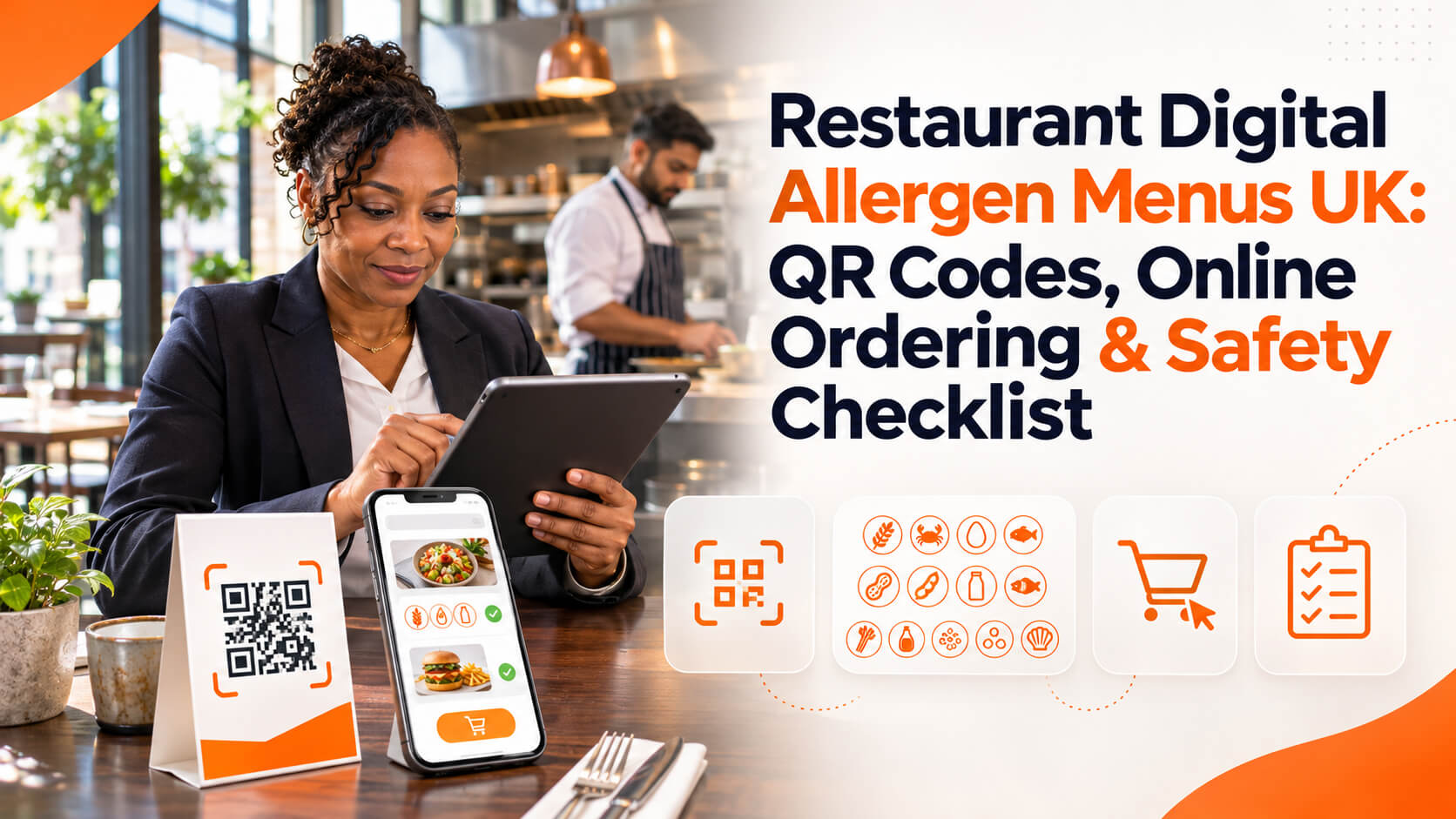
A QR code can reduce printing costs and help teams update seasonal dishes, but it should not be the only practical way a customer can obtain information. Some diners have no smartphone, weak connectivity, low vision or difficulty operating a camera. Offer a readable alternative and trained staff assistance. Print a short, descriptive URL beside the QR code so people can enter it manually. Ensure the destination opens directly to the menu rather than a marketing pop-up. Test on older devices, slower connections and at the actual tables where customers will use it. Keep the code large enough to scan, with sufficient contrast and quiet space around it. If the menu loads in a third-party viewer, check keyboard navigation and text zoom rather than assuming the vendor has solved accessibility.
Choose HTML, PDF or both deliberately
A structured HTML menu is often easier to update, search, link to and use on mobile than an image-only PDF. It can expose headings and dish descriptions to assistive technology and can be crawled by search engines. A PDF can still serve a printable or downloadable role, provided it has real text, sensible reading order and accessible tagging. Do not publish a photograph of a paper menu as the sole digital experience. For a small restaurant, an HTML menu with a clearly labelled printable PDF may offer a practical balance. Set one source of truth so prices and allergen records do not diverge. Before changing platforms, document who updates each version and how a discontinued dish disappears everywhere, including cached menu links and social profile destinations.
Map the online ordering journey before changing the interface
Draw the journey from menu entry to basket, customisation, checkout, kitchen ticket and delivery. At each stage ask: can a customer find allergen information before committing, and can an allergy request be accurately communicated to the people preparing the food? If the customer selects “remove cheese”, do not automatically recalculate a dish as milk-free; sauces, buns or preparation surfaces may still matter. Treat customisations as changes requiring verified data or human review. Where a request cannot safely be confirmed automatically, offer a clear contact or escalation path instead of allowing a potentially misleading checkout confirmation. Keep the information provided at delivery aligned with the final prepared order, including substitutions.
A worked example: seasonal pasta with a supplier substitution
Consider a fictional neighbourhood restaurant selling mushroom pasta. The published dish uses wheat pasta, a cream sauce and a garnish containing tree nuts. On Friday, the kitchen changes its garnish supplier. A weak workflow lets the chef swap ingredients while the website retains Thursday’s allergen information. A stronger workflow flags the recipe as awaiting review, checks the supplier specification, updates the controlled matrix, approves the customer-facing copy and notifies front-of-house staff before the dish is sold under the revised recipe. If the business cannot confirm the current information, it should not leave an old “safe” label in place. This example is illustrative, not a report of a real restaurant incident. Its purpose is to expose the handoff between procurement, kitchen operations and web publishing.
Accessibility checks for menus and checkout
Use WCAG 2.2 as a practical design reference. Check that text can be resized, colour is not the only way to distinguish allergen information, focus indicators are visible, buttons have meaningful names and forms provide labels and useful error messages. On a phone, test the complete path with screen-reader and keyboard-equivalent navigation where supported. Ensure a customer can find the allergen link without relying on tiny icons or horizontal scrolling. Do not put important information inside a carousel that advances automatically. If an overlay asks for cookie consent, it should not prevent a customer from reading safety information. Accessibility testing is a combination of automated scans and human task-based checks, not a single pass/fail plugin score.
Menu SEO without turning safety copy into keyword stuffing
Restaurant local SEO benefits from a crawlable menu with genuine dish names, cuisine, opening hours, location and booking details. But an allergen page should prioritise clarity and accuracy over ranking for broad diet-related keywords. Do not create thin near-duplicate pages for every allergen combination, especially when the kitchen cannot support those claims. Link to the menu from the restaurant’s Google Business Profile and the website’s primary navigation. Keep seasonal menus current and remove discontinued items. Our restaurant local SEO guide explains how menus support local discovery; this article addresses the separate operational task of keeping menu information reliable for customers.
Connect Instagram and campaign traffic to the right menu version
A restaurant may promote a special on Instagram while the linked menu has already changed. That is frustrating for ordinary diners and potentially consequential for allergy information. Give social teams an approved link to the current menu, not a screenshot copied from a designer’s draft. When promoting a limited-time dish, confirm the recipe and allergen record before scheduling posts. Avoid captions promising that a dish is “allergy friendly” unless the business can substantiate the statement. Use campaign tracking to understand menu visits and booking clicks, but never make a customer complete a marketing form to access allergen details. For broader content planning, see our restaurant Instagram strategy guide.
Assign ownership and build an update checklist
Create a simple responsibility matrix: the kitchen lead owns recipe accuracy; procurement flags ingredient changes; front-of-house confirms customer conversations; the website editor publishes approved information; a manager performs a scheduled audit. A change is not complete when a spreadsheet is edited. It is complete when the live menu, ordering interface, printed alternatives, staff reference material and relevant delivery information agree. Set a short response target for urgent corrections and make the escalation route obvious. Test at least one high-risk dish after each significant menu release. Keep records of what changed and who approved it. This process is more valuable than buying an expensive tool that nobody maintains.
Measurement: useful operational indicators
Track the percentage of active dishes with an approved current allergen record, the number of discrepancies found during menu checks, time from recipe change to publication, and the share of customer allergy enquiries successfully escalated to trained staff. These are internal process measures, not proof that food is safe. For digital usability, observe menu load time, broken links, mobile completion errors and the ability to reach staff. Do not set a target of fewer allergy questions; questions can be a sign that customers are engaging appropriately. A useful monthly review asks whether any customer saw stale information, whether substitutions were handled consistently and whether the team can retrieve the correct record quickly.
A practical 14-day implementation plan
Days 1–2: inventory every live menu destination, including QR codes, Google profile links, delivery listings and social links. Days 3–4: reconcile the recipe and allergen matrix with the kitchen and identify missing approvals. Days 5–6: design accessible HTML dish cards and a clear route to trained staff. Days 7–8: map ordering, customisation and delivery handoffs; test scenarios where ingredients change. Days 9–10: check mobile, screen reader, keyboard access, zoom and slow-network performance. Days 11–12: train front-of-house and publishing staff, and document a rapid correction process. Days 13–14: run a supervised launch, spot-check live dishes against approved records and schedule the next audit. This is an illustrative project plan; a complex multi-site operator may need more time.
FAQ: common restaurant digital menu questions
Is a QR-code menu enough? Not necessarily. Customers need usable access to accurate information, and a QR-only experience may exclude people. Must every dish have a separate allergen page? No single page layout is universally required; choose a clear method appropriate to the sales channel and applicable rules. Can staff answer allergy questions from memory? They should use controlled current information and escalate uncertainty rather than guessing. Can an online order automatically guarantee allergen-free preparation? No; recipe ingredients and cross-contact controls need assessment, and unsupported guarantees are dangerous. Should we use icons? Icons can supplement clear text, not replace it. Does this guidance cover Scotland? Verify jurisdiction-specific guidance; the cited FSA best-practice update expressly covers England, Wales and Northern Ireland.
Sources and final editorial checklist
Primary references: GOV.UK allergen information; FSA food-business checklist (updated July 2026); FSA technical guidance (updated November 2026); FSA 2025 written-information best practice; and W3C WCAG 2.2. Before publishing a menu change, verify the recipe version, ingredients, relevant allergen declarations, preparation caveats, checkout information, staff handoff, mobile accessibility and live URL. Website improvements cannot substitute for safe food preparation and trained staff judgement.