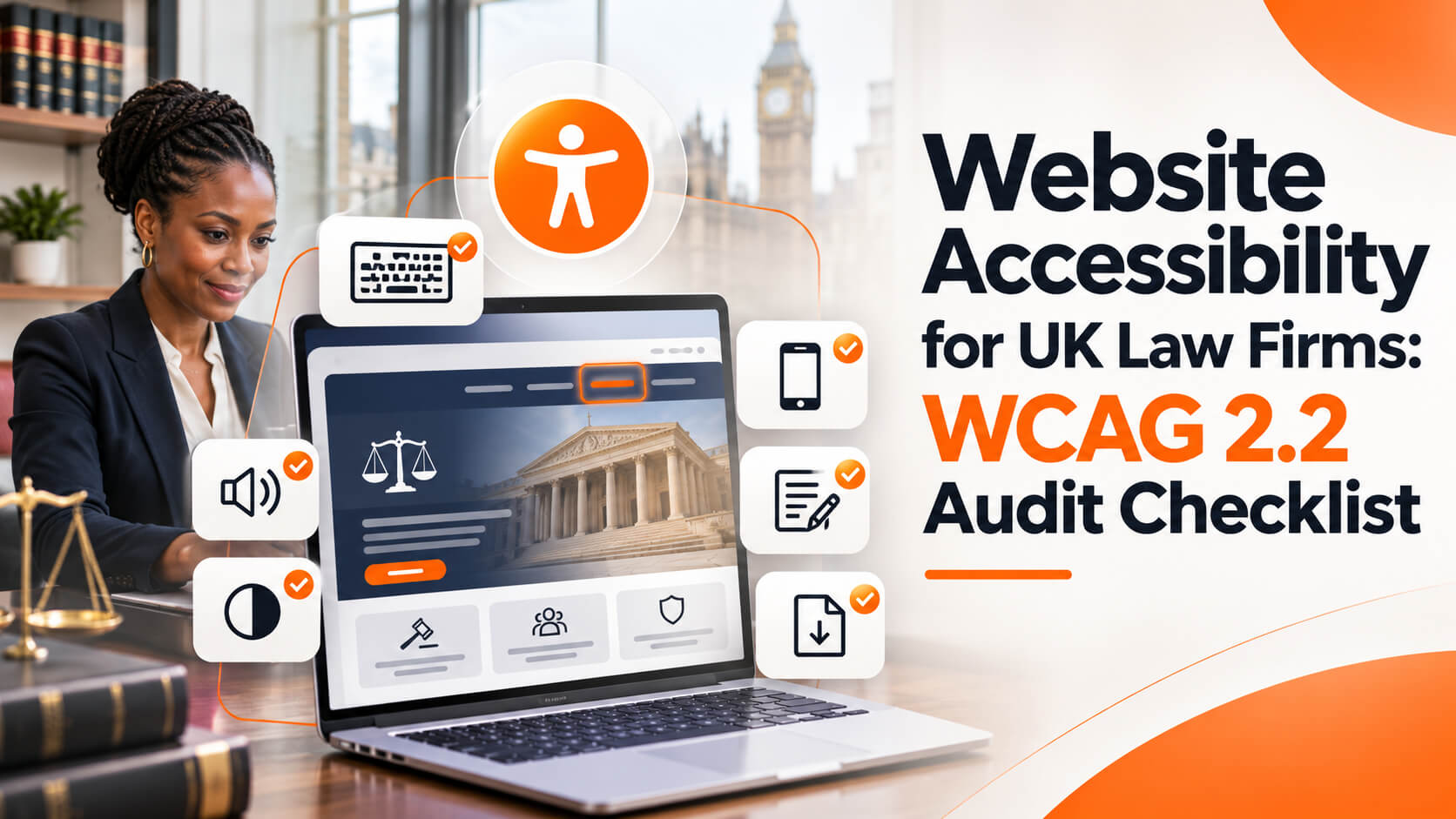
A prospective client may reach a solicitor’s website while dealing with a bereavement, an urgent criminal allegation, a family dispute or a business crisis. If the navigation cannot be used with a keyboard, a form rejects assistive-technology input, or a critical PDF cannot be read, the website has created an avoidable barrier at the first point of contact. Website accessibility for law firms is a client-service, operational and procurement issue—not simply a design preference.
This practical UK guide explains how a firm can audit its public website and enquiry journey, apply the Web Content Accessibility Guidelines (WCAG) 2.2, brief an agency, prioritise remediation and check the results. It is not a certification of any particular site or legal advice about an individual firm’s obligations.
What does an accessible solicitor website actually do?
An accessible website lets people perceive information, operate controls, understand content and use the site with assistive technologies. These are the four WCAG principles: perceivable, operable, understandable and robust. In practical terms, a client should be able to discover an appropriate legal service, understand the firm’s next steps and make contact without being forced into one input method.
- Keyboard: navigate the menu, open disclosures, choose a practice area and submit an enquiry without a mouse.
- Screen reader: hear meaningful headings, link labels, form fields and validation messages in a sensible order.
- Low vision: enlarge text and use narrow screens without losing actions or having to scroll horizontally through essential content.
- Cognitive accessibility: understand plain-language instructions, deadlines, errors and what happens after submitting a form.
- Hearing accessibility: use captions or transcripts where audio or video conveys information needed to understand the service.
- Choice: reach a person through an alternative contact route when a digital journey is unsuitable.
Does WCAG 2.2 AA legally apply to every UK law firm?
No single statement covers every firm and every context. WCAG is a technical standard, not a law that automatically makes every private solicitor website subject to the same public-sector regime. The Public Sector Bodies accessibility regulations apply to qualifying public-sector bodies, with specific requirements and exceptions. Most private law firms should not describe those public-sector rules as automatically applying to them.
Separate duties may arise under equality law, including requirements concerning reasonable adjustments in the provision of services. The precise application depends on the organisation and circumstances. Obtain legal advice for a definitive assessment. For procurement purposes, WCAG 2.2 Level AA is a useful, testable design target, even where a particular firm is not directly subject to the public-sector website regulations.
Both the Solicitors Regulation Authority and Law Society publish accessibility statements describing standards, known limitations and alternative access routes. These are examples of transparent communication, not proof that a published statement alone guarantees accessibility.
The law-firm website accessibility checklist: 12 priority checks
| Area | What to test | Why it matters |
|---|---|---|
| Navigation | Tab from the browser address bar; use Enter, Space, Escape and arrow keys where appropriate | Visitors must find services without a mouse |
| Focus indicators | Every interactive element shows visible keyboard focus; focus is not hidden behind sticky headers | Users need to know their current position |
| Headings and landmarks | One meaningful H1; logical sections; navigation/main/footer landmarks | Screen readers need a predictable structure |
| Link names | Links make sense outside their paragraph; avoid repeated “click here” | A list of links should remain understandable |
| Text contrast | Test normal and large text against the applicable WCAG ratios; do not rely only on brand colours | Low-vision users must read important information |
| Reflow and zoom | Test 200% text resizing and narrow/mobile reflow without losing content or function | Users should not have to decipher clipped content |
| Forms | Persistent labels, appropriate instructions, understandable error text and clear confirmation | Potential clients must be able to submit enquiries |
| Touch controls | Check control spacing and target sizes against applicable WCAG 2.2 criteria | Small mobile targets can block people with motor impairments |
| Images and video | Useful alternative text; accurate captions and transcripts when required | Important information cannot exist only visually or audibly |
| Documents | Check PDFs, downloadable forms, retainers and fee documents; offer accessible alternatives | The client journey continues beyond HTML pages |
| Widgets and embeds | Test chat, maps, booking, cookie banners and third-party forms with keyboard and screen reader | An accessible homepage is not enough |
| Error recovery | Test session expiry, required fields, accidental submissions and routes to assistance | Failures should be recoverable without starting from scratch |
This table is a triage list rather than a substitute for the full WCAG standard. Some criteria require specialist interpretation. Automated accessibility tools can flag possible errors, but they cannot validate every interaction or the quality of explanations.
Prioritise the actual solicitor enquiry journey
Testing only a homepage overlooks the pages where clients make decisions and provide sensitive details. Build a test path around one realistic task, then repeat it for different practice areas and device types.
Example: family law client seeking confidential contact
- Open the service page from a search result, including on a narrow mobile screen.
- Find a clear explanation of the service, any relevant qualifications and contact options.
- Navigate any expandable questions using only a keyboard.
- Open the enquiry form; verify field labels and error prompts with assistive technology.
- Understand what information is appropriate to submit, and avoid encouraging unnecessary sensitive disclosures.
- Submit a test enquiry and confirm that the success message is presented clearly.
- Try an alternative route—such as a published telephone contact—if the form cannot be completed.
For criminal defence, an urgent mobile call route may deserve special priority. For conveyancing, document uploads and identification workflows may create the most serious barriers. A law firm with many service areas should test representative high-risk journeys rather than assuming one successful homepage test covers the whole website.
How to conduct an accessibility audit without confusing a score with compliance
Step 1: Inventory templates and critical journeys
Record page types: homepage, practice-area pages, solicitor profiles, case studies, FAQs, contact forms, booking tools, document downloads and any client portal entry points. Identify shared header, navigation and footer elements; a single template defect may affect dozens of pages.
Step 2: Combine automated checks with manual testing
Use automated scans to identify potential contrast, missing-label, ARIA and structure issues. Then manually test the keyboard sequence, zoom and reflow, error recovery, consent banners, and complex controls. Include a screen-reader check using realistic tasks. The GOV.UK WCAG guide recommends combining automated and manual tests for meaningful accessibility assessment.
Step 3: Assign severity by user impact
A problem that prevents a person from submitting a critical enquiry should usually rank above a cosmetic issue in a rarely visited section. Record the affected URL, steps to reproduce, assistive technology or browser used, relevant success criterion, impact, owner, fix and retest date.
Step 4: Retest complete tasks after remediation
Correcting an HTML attribute is not necessarily the end of the problem. Retest the original task from start to finish, including the actual form submission or document retrieval. Confirm that the change did not introduce new keyboard, visual or responsive issues.
The hidden accessibility risks in law-firm web redesigns
An agency may deliver attractive desktop mock-ups and still overlook the mechanics of an accessible legal enquiry. Common procurement gaps include colour palettes that fail contrast checks, visually styled form labels without programmatic names, tab orders disrupted by sticky components and downloadable documents with no accessible structure.
If the firm is comparing a whole-site redesign with a campaign landing page, our law firm redesign-versus-landing-page guide explains that distinction. Accessibility needs a separate line item regardless of which approach you select. For a broader supplier evaluation, use our website design quote comparison checklist and request a defined accessibility testing scope rather than a generic “fully accessible” promise.
A usable accessibility remediation register
| Field | Example entry (illustrative) |
|---|---|
| Finding | Contact form errors are displayed visually but not announced |
| Affected journey | Mobile family-law enquiry form |
| User impact | Screen-reader user may not know why submission failed |
| Evidence | Reproducible test steps, browser and screen reader versions |
| Owner | Development supplier and content approver |
| Acceptance test | Error is announced, identifies the field and explains resolution |
| Priority | High, because it blocks contact |
| State | Open → fixed → independently retested |
The examples are hypothetical workflow illustrations, not findings from a real audit of Vistoplex, a solicitor’s website or any named client.
Accessibility statements: describe evidence, not intentions
A law firm may choose to publish an accessibility statement explaining its approach, test date, known issues, alternative formats and the route for reporting a barrier. Avoid declaring full WCAG compliance unless the testing supports that claim. A statement can help visitors seek assistance, but it cannot make an inaccessible form functional.
Public-sector accessibility statements have prescribed requirements. A private firm should avoid copying a public-sector template verbatim without checking which legal and organisational commitments actually apply to it.
How to brief a website design agency
- State the WCAG version and desired conformance level, and confirm which pages, documents and third-party integrations are in scope.
- Require explicit keyboard, zoom, responsive, screen-reader and form-error testing, with realistic client journeys.
- Ask which combination of automated tools and manual testing will be used.
- Specify who fixes findings, whether remediation is included in the quote and how re-testing is documented.
- Request a written limitations register for third-party widgets and legacy documents.
- Make accessibility test evidence, user-acceptance sign-off and an exit handover part of the agreed deliverables.
There is no credible universal “accessibility-compliant” plugin that replaces this work. Treat overlays and automated scores as inputs to evaluation, not as a certification or a substitute for testing with assistive technology.
A practical 30-day improvement plan
Week 1: Map and assess
List critical journeys, templates and downloadable documents. Run an initial automated scan, then conduct manual keyboard and mobile tests. Identify any complete barriers to contacting the firm.
Week 2: Fix high-impact failures
Correct form labels and errors, keyboard traps, unreadable text, obstructed controls and inaccessible contact choices. Keep a shared register with assigned owners and acceptance tests.
Week 3: Test complex journeys
Validate practice-area navigation, profile pages, document forms, booking systems and embedded tools using representative assistive technologies. Test with people with different access needs where feasible.
Week 4: Verify and operationalise
Retest fixes, document known limitations, agree alternative contact routes, and add accessibility checks to future content and release processes. Schedule a review after major template, platform or form changes.
If you need help putting these fixes in place, Vistoplex is a digital marketing agency for law firms that builds and maintains solicitor websites.
Frequently asked questions
Is WCAG 2.2 AA mandatory for every solicitor website in the UK?
No blanket rule makes the public-sector website accessibility regime apply to every private law firm. Other accessibility and equality duties may apply depending on the circumstances. WCAG 2.2 AA is nevertheless a useful technical benchmark for design and testing.
Does an accessibility plugin make a website compliant?
No. Automated tools and overlays cannot assess every interaction, document, third-party embed or user experience. Manual testing and remediation remain necessary.
Should law firms make downloadable PDFs accessible?
Include documents that clients need to understand or act on in the assessment. Test reading order, headings, links and form controls; consider an accessible HTML alternative or another practical format when required.
How often should the website be tested?
Review after material design, CMS, content-template and functional changes, and establish a recurring audit appropriate to the site’s complexity and use. A single passing test does not guarantee future conformance.
Will accessibility improvements automatically increase Google rankings?
No. Accessibility can improve usability and help remove barriers, but it is not a guaranteed ranking or conversion uplift. Measure completed journeys and real user outcomes separately from organic search performance.
Conclusion: make legal help reachable
A legal website is successful only when people can understand the service and reach the firm. Treat accessibility as an essential part of content design, technical quality and client intake. Start with the journeys that matter most, record what fails, fix it, retest and make responsibility explicit in supplier contracts.
Editorial note: This is general digital accessibility guidance for UK law-firm websites, reviewed 3 November 2026. It does not constitute legal advice or an accessibility certification.