A private clinic can have a polished website, an excellent clinical team and a modern patient portal, yet still exclude people at the moment they need to book, check an appointment or read a result. The problem often appears after a patient leaves the public website: an inaccessible calendar, a login timeout, an unlabeled upload control or a document that cannot be read with assistive technology. Private clinic patient portal accessibility therefore needs an end-to-end review, not a homepage accessibility badge.
This UK guide is for clinic owners, operations leads, digital teams and suppliers responsible for appointment-led private healthcare services. It focuses on practical patient journeys, procurement, testing, governance and measurement. It is not a clinical protocol or legal determination of an individual provider’s obligations. Clinical safety and information governance teams must review relevant decisions.
Why the portal is part of the patient experience
Patients use digital services to book, cancel or rearrange appointments, complete pre-visit forms, access letters and manage administrative tasks. If those actions fail, people may telephone the clinic repeatedly, miss an appointment or be unable to read important instructions. A visually attractive website does not guarantee that an embedded booking system or third-party portal works for people who use a keyboard, screen reader, magnification, voice control or simplified language.
NHS England’s research-based GP website guidance identifies booking, changing and cancelling appointments among patients’ most important online tasks. Its evidence relates to NHS general practice, not a measured sample of private clinics; the task-first design principle is nevertheless a useful starting point for private providers.
The NHS service standard also recommends user research with people who have access needs and assisted digital routes. A private clinic should assess its own service population rather than claim an NHS compliance status.
Which standards apply to a UK private clinic?
The Web Content Accessibility Guidelines (WCAG) 2.2 provide a widely used technical framework for accessible web content. AA is a practical procurement and testing target. But WCAG conformance and legal compliance are not interchangeable: whether the Public Sector Bodies Accessibility Regulations apply depends on the organisation and service, while private service providers have duties under equality law, including reasonable adjustments where applicable. Seek specialist advice for contractual, statutory and clinical obligations.
NHS England’s digital accessibility standards address NHS and public-sector services. The NHS accessibility testing guidance discusses automated, manual and user testing. Those sources are valuable benchmarks, but do not imply every private clinic must follow precisely the same procurement or reporting regime as an NHS body.
Accessibility is not solved by an overlay
A floating widget that enlarges text cannot fix a calendar that cannot be operated with a keyboard, a PDF without readable structure, a time limit that cannot be extended or a login field without an accessible name. Fix the underlying markup, interaction and content. If a supplier proposes an accessibility overlay, ask for independent evidence on the complete workflow rather than a marketing claim.
Map the five patient journeys before testing individual pages
| Journey | Patient task | Likely failure |
|---|---|---|
| Appointment booking | Choose service, clinician, date and slot | Calendar not keyboard-operable or availability conveyed only by colour |
| Account access | Register, sign in, recover access | Unclear authentication instructions or inaccessible verification challenge |
| Pre-visit information | Read instructions, answer forms, upload documents | Unlabeled fields, inaccessible PDFs, lost answers |
| Appointment management | View, cancel or reschedule | Ambiguous confirmation, hidden cancellation route |
| Results and messages | Find a letter, result or administrative message | Complex tables or downloads inaccessible to assistive technology |
Create a task inventory that names the public page, third-party portal, authentication provider, document viewer and final confirmation. Include the mobile and desktop versions. Record the owner of each component and whether the clinic can change it or must raise a supplier ticket.
A 12-point private clinic portal accessibility audit
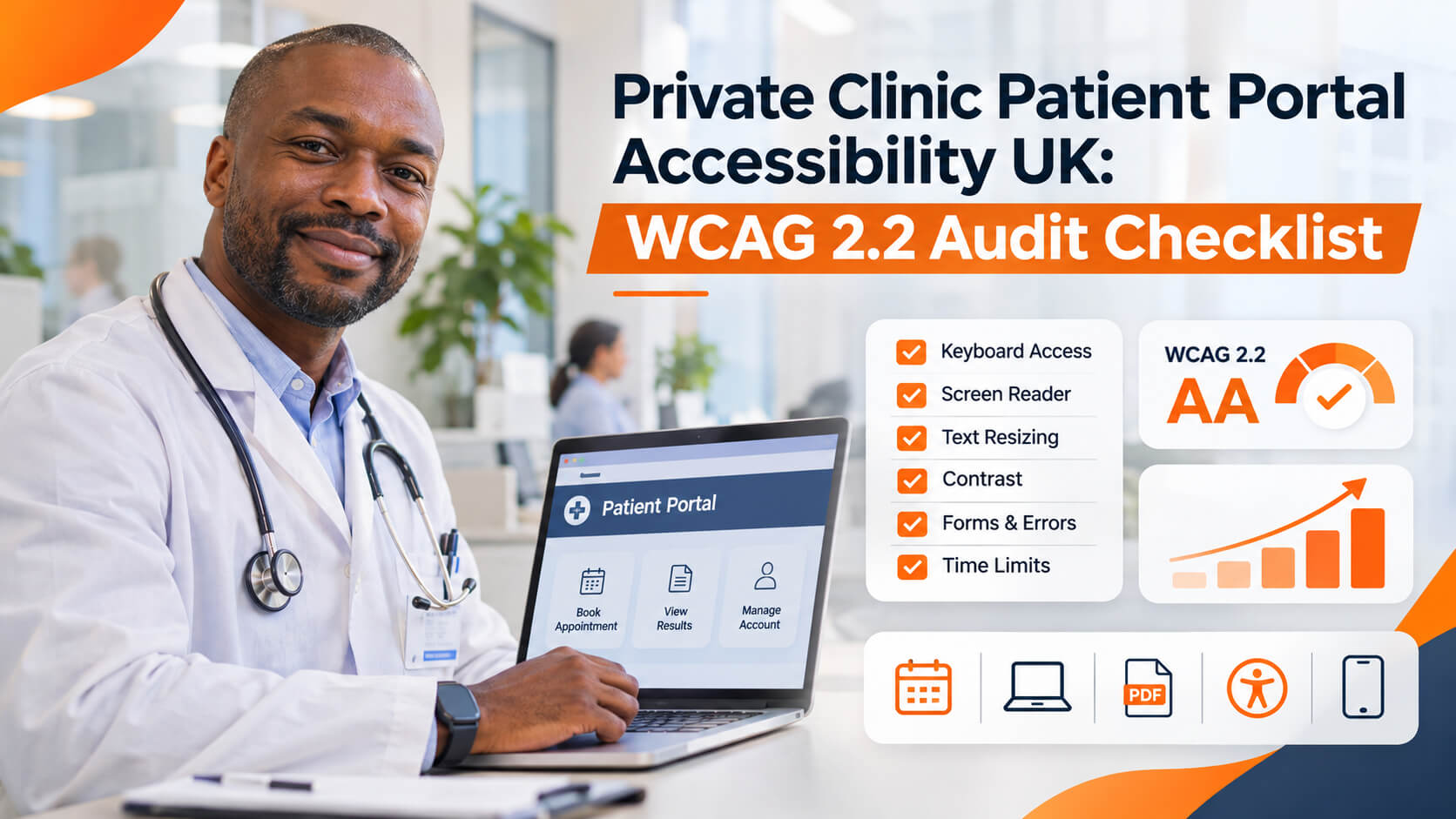
- Keyboard: complete every critical task without a mouse; focus order should be predictable.
- Visible focus: the current control must remain apparent, including over sticky headers and modals.
- Screen reader: buttons, inputs, alerts and calendar slots need useful names and states.
- Text resizing: increase text and zoom without losing actions or causing horizontal scrolling where avoidable.
- Contrast: check text, input boundaries, focus indicators and status information.
- Touch targets: check small calendar arrows, close buttons and mobile verification controls.
- Forms: every field needs a label, instructions, required-state indication and actionable error.
- Authentication: test password managers, copy and paste, recovery and accessible alternatives.
- Time limits: warn patients before expiry and offer appropriate extension or safe recovery.
- Documents: test PDFs, letters, tables and downloaded instructions, not just HTML.
- Confirmation: booking or cancellation outcomes must be clear and not depend on colour alone.
- Assistance: provide a safe non-digital route when the portal cannot meet a patient’s needs.
Test the real supplier flow, not a demo screen
An appointment widget may pass a static automated scan but fail when the calendar opens or a slot is selected. Use a representative test account with synthetic patient data and carry out the task from the clinic website to its final state. Test error recovery too: an expired code, invalid date, upload rejection and interrupted connection. Do not capture identifiable patient information in recordings or issue trackers.
Booking calendars and date pickers: the highest-value checks
A booking calendar often contains many interactive elements. A screen reader user needs to know which dates are available, which date is selected, how to change month and what action confirms the slot. A keyboard user must be able to move logically between controls without focus disappearing behind a modal. A mobile user must not have to tap tiny arrows or decipher colour-only availability.
For example, replace a visual-only green slot with an accessible control whose visible label and accessible name identify “Tuesday 17 November, 10:30 am, consultation available”. A selected slot should communicate its state and the final confirmation should repeat the service, date, time and location. This is an illustrative interface pattern, not a prescription for every calendar component.
When the appointment is no longer available
If a slot is taken while a patient is completing the form, explain what happened and preserve information that can safely be reused. Offer a clear route back to availability rather than silently discarding the whole form. Check that the error is announced to assistive technology and that the patient does not receive a misleading booking confirmation.
Authentication, verification and patient identity
Patient portals need appropriate security, but inaccessible identity checks can exclude people. Test whether a patient can use a password manager, paste a code, recover an account and complete a challenge without solving an unnecessary memory puzzle. WCAG 2.2 includes accessible authentication criteria that are relevant to these experiences. Review any exceptions with security and accessibility specialists.
Never weaken a clinically necessary identity check simply to reduce form abandonment. Instead, assess equivalent accessible methods that maintain required assurance. Where a patient cannot use the portal, staff should have an approved identity-verification and assistance procedure. Document which team can help and what information it is authorised to discuss.
Accessible forms and sensitive patient information
Pre-visit forms may request details that are more sensitive than ordinary marketing enquiries. Explain the purpose of each question, make the fields understandable, and avoid collecting clinical details in an unsecured marketing form. Form accessibility and privacy are separate requirements that must both be met. Restrict access, control retention and confirm processor responsibilities with the clinic’s information governance lead.
Use clear error text such as “Enter your date of birth in day, month, year format” rather than “Invalid input”. Do not clear the whole form after a single error. For a mandatory file upload, explain permitted file types and size before the patient attempts it. Provide an alternative route if the upload technology is unusable.
Patient letters, test results and downloadable PDFs
A portal is not accessible merely because its navigation is. Patients may receive scanned PDFs, untagged tables, diagrams without useful descriptions or clinical letters that are difficult to interpret. Assess the actual documents patients need. Provide accessible HTML or properly structured documents where appropriate, with an approved route to request another format. Clinicians must control clinical interpretation and any safety-critical explanation.
The NHS App accessibility statement acknowledges that documents supplied by separate healthcare organisations can have accessibility issues. This is a helpful illustration of why responsibility for content cannot be assumed to end at the portal supplier.
How to test without exposing real patient data
Combine automated and manual testing
Automated scanners can flag missing labels, contrast issues and some structural errors. They cannot determine whether a clinical instruction is understandable or whether a person can actually complete a booking. Add keyboard-only walkthroughs, screen reader testing, mobile zoom checks, and user testing with people who have relevant access needs. Record browser, device, assistive technology, task and failure evidence.
Use a reproducible defect log
| Field | Example |
|---|---|
| Journey | Book a follow-up appointment |
| Environment | Mobile browser, 200% text zoom |
| Failure | Confirm button hidden below fixed footer |
| Impact | Patient cannot complete booking |
| Expected behaviour | Button remains reachable and operable |
| Owner | Booking-platform supplier |
| Retest | Same task after supplier release |
Prioritise defects by whether they prevent access to care-related administrative tasks, how many journeys are affected and whether a safe alternative exists. Do not prioritise only by automated severity scores. A single blocked cancellation path may matter more operationally than several low-impact decorative issues.
Third-party portal procurement: questions to ask suppliers
- Can you provide a current accessibility conformance report or equivalent evidence for the exact version we will deploy?
- Which WCAG 2.2 AA criteria have been manually tested, and with which assistive technologies?
- Can we test booking, login, cancellation, document upload and results access before signing?
- Who owns remediation of embedded widgets and third-party identity providers?
- What are the timelines and escalation routes for critical accessibility defects?
- How are accessibility changes regression-tested after releases?
- Can the clinic provide an accessible assisted route without exposing sensitive data?
- How are patient records, test accounts, audit logs and support tickets protected?
A supplier certificate or accessibility statement is useful evidence but not proof that the clinic’s configured journey works. Contractual responsibility should cover the integrated experience, not only the vendor’s product homepage.
What to measure after fixes
Use task-level measures rather than claiming accessibility improvements automatically create more bookings. Measure completion and error rates for representative tasks, accessibility defect resolution time, assisted-service requests and qualitative feedback. Separate patient-facing service metrics from advertising analytics; do not send identifiable health information or portal contents into marketing measurement tools.
| Measure | Definition | Caution |
|---|---|---|
| Booking completion | Confirmed bookings divided by valid booking starts | Compare similar services and periods |
| Cancellation completion | Confirmed cancellations divided by cancellation starts | A cancellation can be a successful service outcome |
| Task failure | Users unable to complete a test task | Use representative access needs |
| Critical defect age | Days an access-blocking issue remains unresolved | Track supplier ownership |
| Assisted support | Requests for help with digital tasks | An increase can reflect better visibility of help |
Illustrative calculation: if 80 out of 100 synthetic booking attempts succeed in a controlled test, completion is 80%. After a fix, 92 out of 100 succeed. That is a 12-percentage-point change in that test, not proof of a 12% real-world uplift. Report sample sizes, devices, tasks and remaining defects.
A practical 14-day accessibility improvement sprint
Days 1–3: map and baseline
Identify the top patient tasks, vendors, authentication and document components. Review complaints and support requests for access barriers. Obtain appropriate test accounts and agree which defects require clinical safety or information governance review.
Days 4–6: test critical journeys
Run keyboard, screen reader, zoom and mobile checks on booking, login, cancellation and document access. Include at least one failed-state scenario per journey. Record reproducible defects without real patient data.
Days 7–10: fix and escalate
Resolve clinic-controlled content and form issues, then raise precise vendor tickets for portal defects. Keep an approved assisted route available. Confirm that security, clinical safety and accessibility requirements remain aligned.
Days 11–14: retest and govern
Repeat the original tasks, document residual barriers, assign owners and set a recurring regression test after supplier releases. Where applicable, review accessibility statements and procurement documentation with the responsible team.
Frequently asked questions
Does a private clinic legally have to meet WCAG 2.2 AA?
WCAG 2.2 AA is a useful technical target, but the precise legal requirements depend on the provider, the service and applicable law. Do not assume public-sector accessibility regulations automatically apply to every private clinic. Seek qualified legal guidance and assess equality duties and reasonable adjustments.
Is an accessibility plugin enough for a patient portal?
No. A plugin cannot reliably repair inaccessible calendar controls, broken focus order, authentication challenges or inaccessible documents. Test the underlying service and require suppliers to fix defects.
Should a clinic offer telephone booking?
An appropriate non-digital or assisted route can reduce exclusion when a patient cannot complete an online task. Design it with operational and identity-verification safeguards rather than treating it as a substitute for fixing the portal.
Can accessibility be tested with automated tools alone?
No. Automated checks are helpful for repeatable technical issues but cannot establish that a patient can complete every task. Combine manual assistive-technology testing and user research.
Who is responsible if the booking portal is supplied by another company?
The supplier may control the code, but the clinic should establish contractual responsibilities, test the integrated journey and maintain a clear defect escalation process. Responsibility under applicable law depends on the circumstances.
Conclusion: test the route patients actually use
For a private clinic, accessible digital care administration means that people can find, understand and complete essential tasks—or obtain safe assistance when they cannot. Start with the booking and account journeys, then test forms, documents, cancellations and supplier hand-offs. Build accessibility checks into procurement and routine change management rather than waiting for complaints.
For related operational context, see Vistoplex’s healthcare website mistakes checklist, healthcare redesign versus landing-page guide and private clinic appointment reminder guide.
Editorial review: 5 November 2026. General accessibility and digital operations guidance; not legal or clinical advice.